-Shoppy Dashboard-
Shoppy Dashboard is a modern admin dashboard for Shoppy Website owners to manage products, orders, and sales metrics efficiently.
Overview
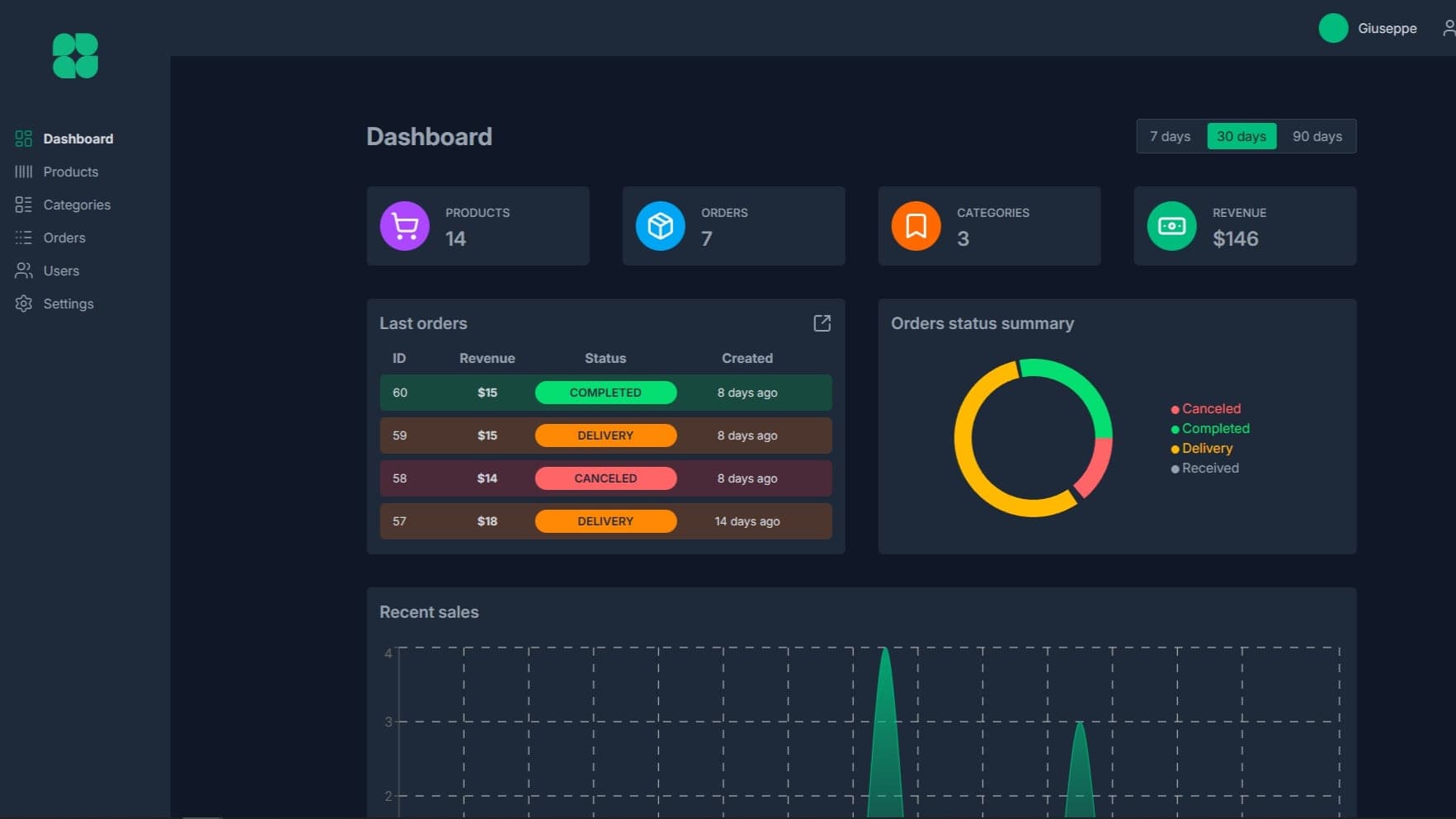
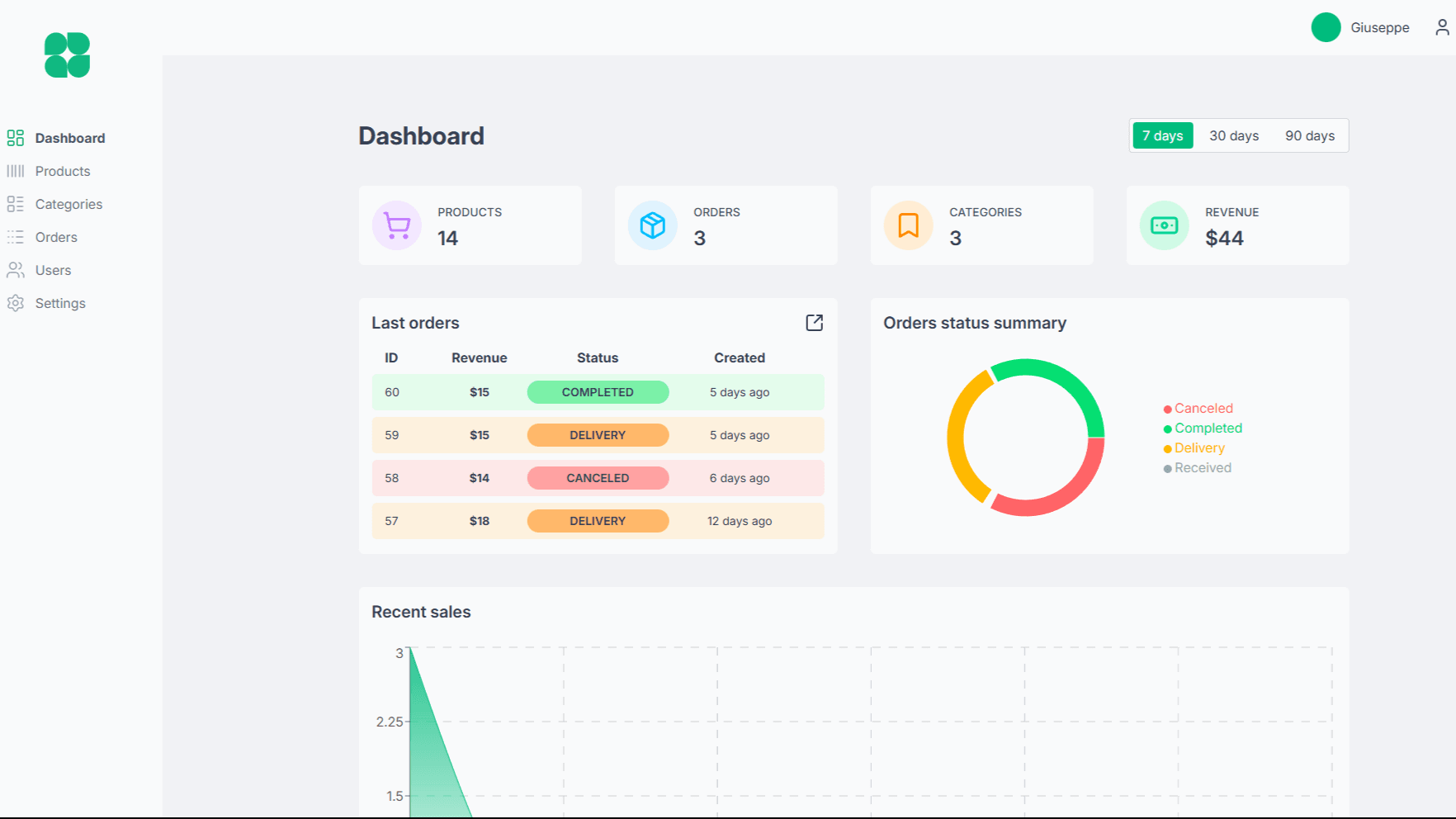
Shoppy Dashboard is a fully functional admin dashboard designed to manage the backend of the Shoppy e-commerce platform.
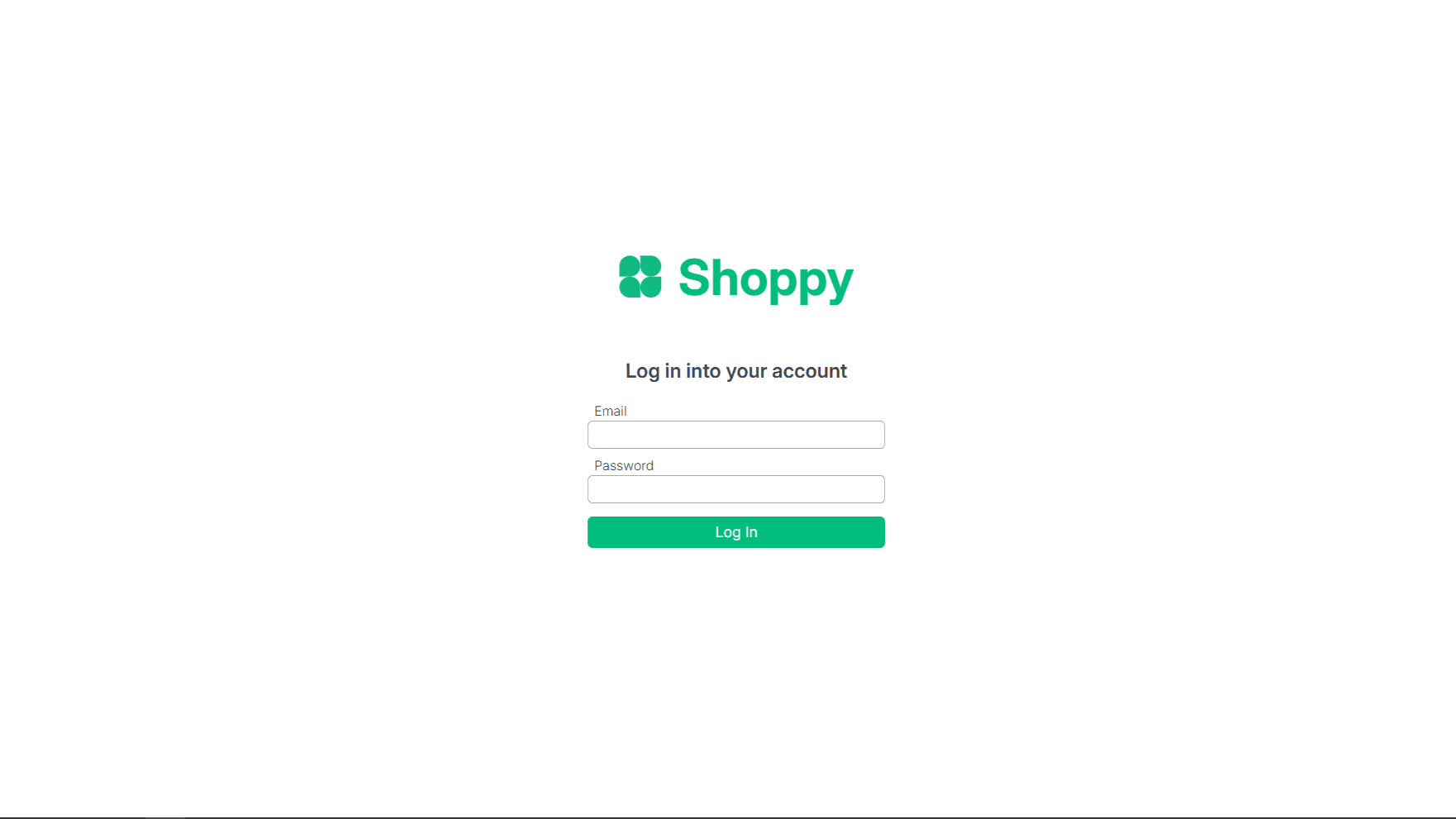
Access is restricted to admins, who can log in with an account initially created at login. Admins can create additional accounts for team members. The dashboard provides a comprehensive overview of the platform, including statistics, analytics, product management, order tracking, user management, and settings, all in a clean and responsive interface with dark mode support.
The project was built with React, Vite, TailwindCSS, Supabase, and deployed with a focus on performance, scalability, and maintainable code.
Technical Decisions
-
React + Vite: The dashboard is built with React for a modular component-based architecture, while Vite provides a fast and optimized development experience.
-
React Router: Used to handle multi-page navigation within the dashboard efficiently.
-
React Query: Ensures smooth data fetching, caching, and synchronization with the Supabase backend.
-
Supabase: Powers authentication, database management, and real-time updates, providing a seamless backend experience.
-
Styling: TailwindCSS was chosen for fast UI development, responsive design, and easy customization.
-
Forms and Feedback: react-hook-form manages forms efficiently, while react-hot-toast provides quick, user-friendly notifications.
-
Charts & Analytics: Recharts displays dynamic, interactive charts for orders, sales, and other statistics.
-
Utilities: date-fns is used for date handling, and lucide-react provides scalable and consistent icons throughout the dashboard.
Challenges
One key challenge was structuring a full-featured dashboard with multiple interdependent sections, including products, orders, users, and settings, while keeping navigation intuitive and performant.
Implementing dynamic filters, pagination, and status updates across products and orders required careful state management and real-time syncing with Supabase. Handling admin permissions, account creation, and secure authentication presented additional complexity.
Designing charts and analytics for multiple time frames (7, 30, 90 days) demanded efficient querying and calculation of aggregated data without overloading the backend. Finally, ensuring a smooth dark mode toggle across the entire interface required consistent theming across all components.
Key Features
-
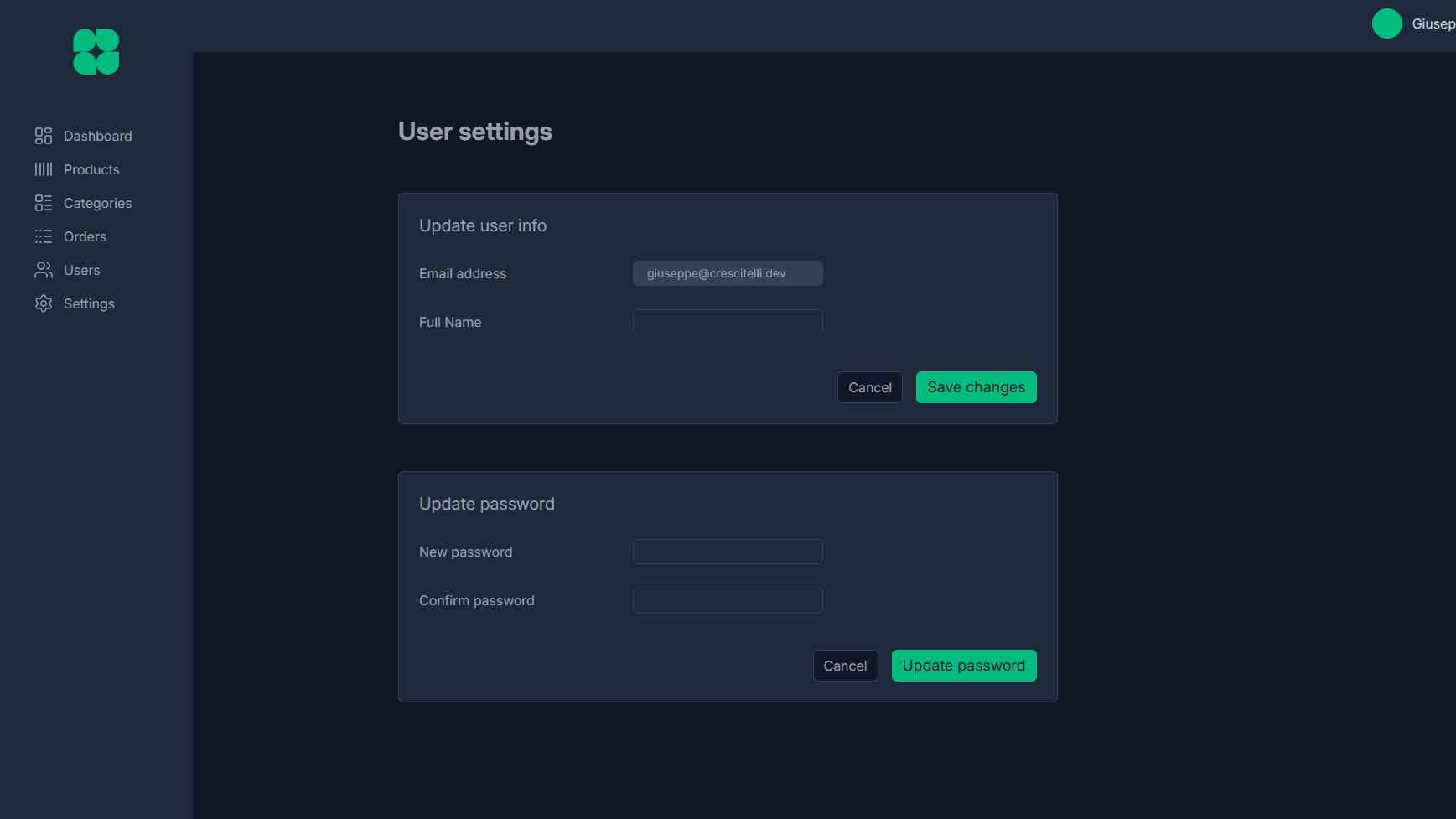
Authentication & Admin Management: Admin login with secure authentication, account creation for new admins, and profile management including username and password updates.
-
Statistics & Analytics: Interactive charts and dashboards display key metrics such as total orders, revenue, top categories, and recent activity. Filters allow viewing data over 7, 30, or 90-day periods.
-
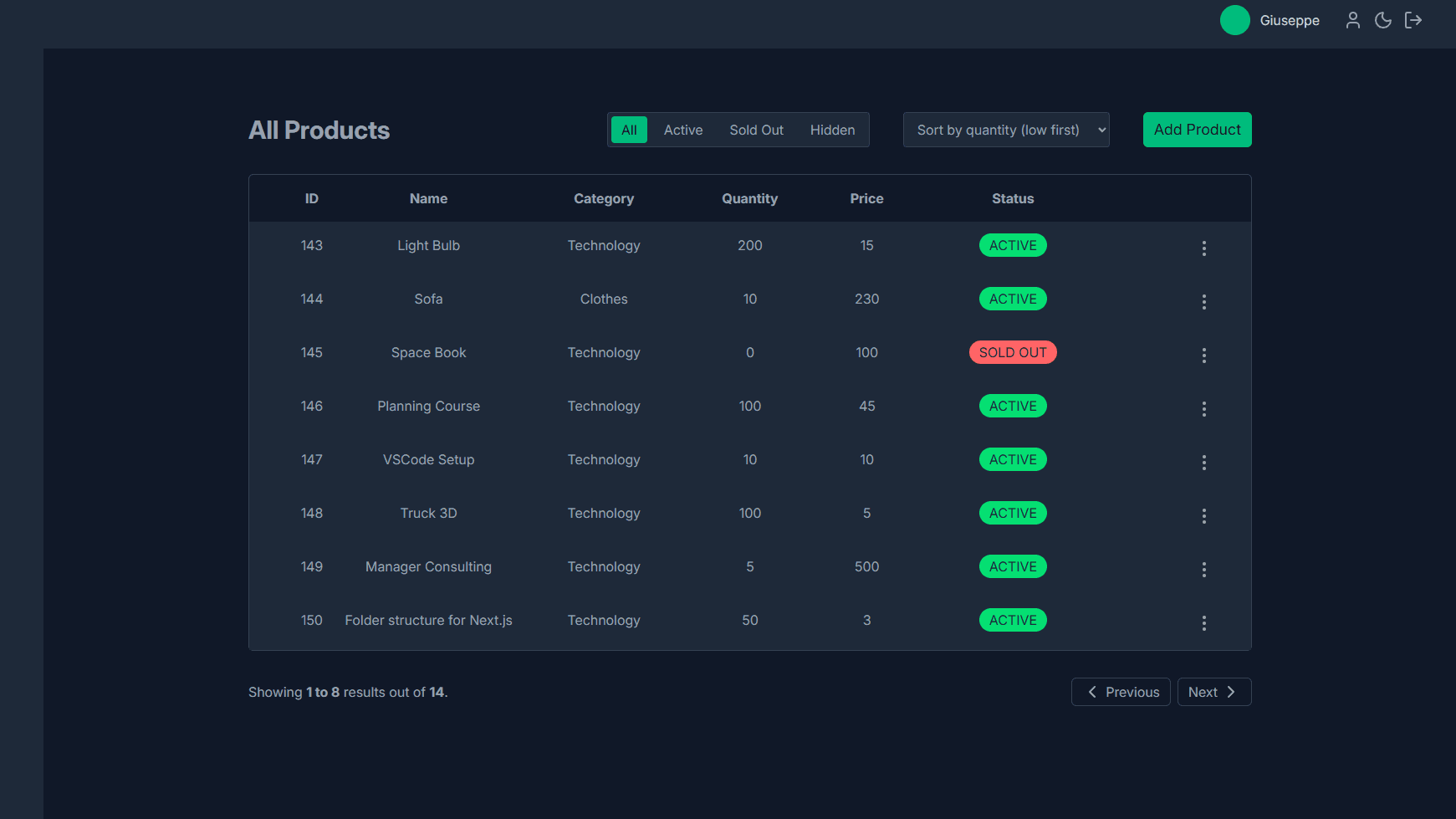
Product Management: Full CRUD operations for all products, including image, name, price, quantity, description, ID, and status (active, sold out, hidden). Products can be filtered and paginated for efficient management.
-
Category Management: Admins can create and manage product categories, enabling better organization of the catalog.
-
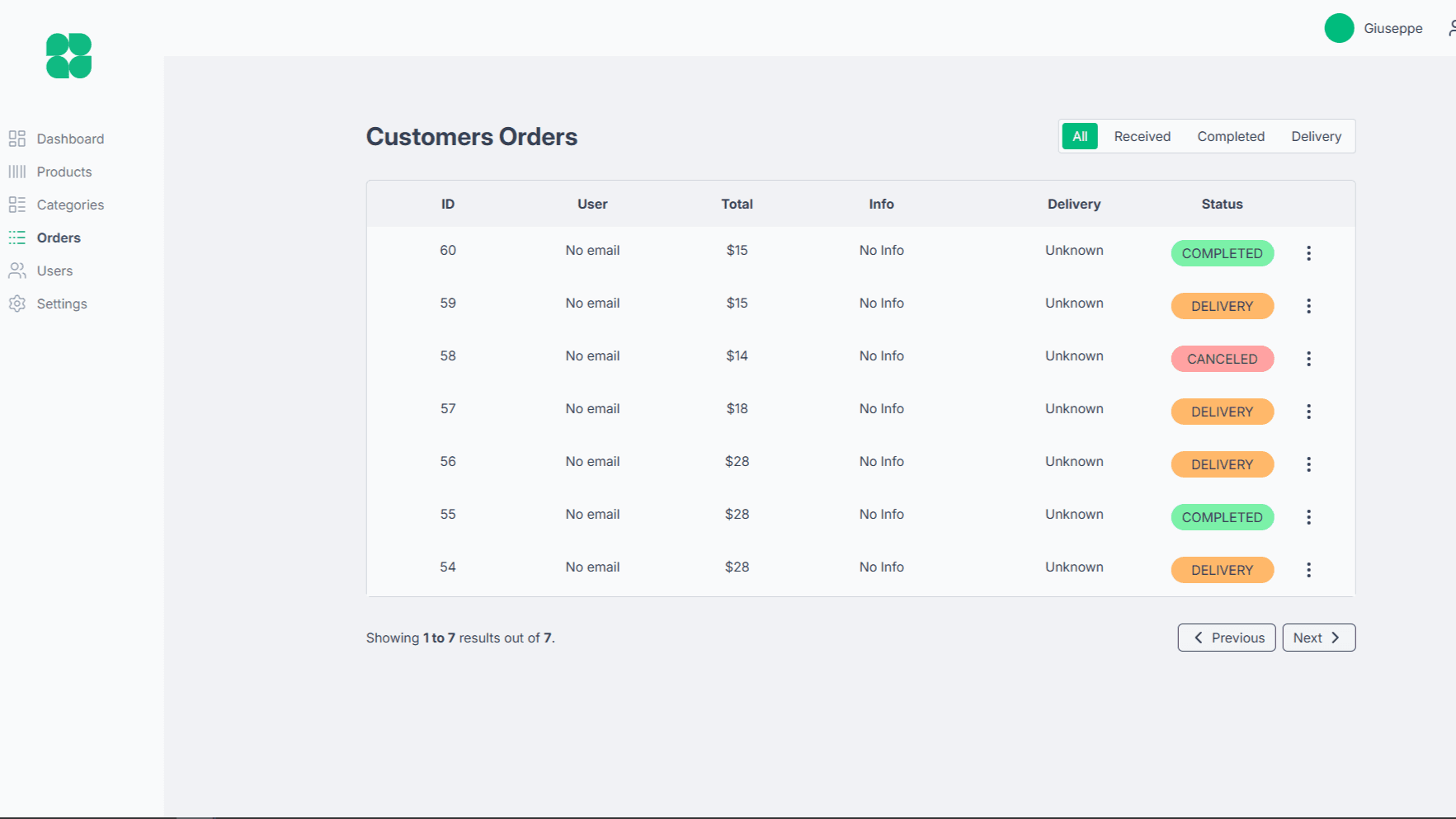
Order Management: Track all customer orders, update their status (completed, delivery, etc.), and view additional information. Filtering and pagination simplify navigation through large datasets.
-
User Management: Admins can create and manage other admin accounts, controlling access to the dashboard.
-
Settings: Modify platform-wide settings, including shipping prices, which are automatically applied to user carts.
-
Dark Mode: Toggle between light and dark themes for a better user experience.
Future Improvements
-
Advanced analytics: Add more detailed visualizations such as conversion rates, user engagement, and product performance trends.
-
Role-based permissions: Implement granular permission levels for different admin types.
-
Notifications: Add email or in-app notifications for order updates, low stock, or new admin activity.
-
Bulk operations: Enable bulk editing or deletion of products and orders to speed up management.
-
Export & reporting: Provide CSV or PDF export of analytics and order data for offline reporting.
Lessons & Final Considerations
Developing Shoppy Dashboard enhanced my ability to structure complex admin interfaces, focusing on usability, performance, and maintainability.
Working with React Query and Supabase deepened my understanding of efficient data fetching, caching, and real-time updates. Handling multiple interdependent components and stateful operations strengthened my state management and problem-solving skills.
Designing charts, filters, and pagination taught me to optimize both UX and backend interactions, while implementing dark mode reinforced my understanding of consistent theming and responsive styling.
This project also highlighted the importance of reusable components, form handling, and user feedback mechanisms, which collectively improve development speed and overall product quality.
Shoppy Dashboard
Built in
October, 2025Stack role
Full StackWorked on for
8 daysHosted on
NetlifyTech Stack

React

Vite

TailwindCSS

Supabase

Tanstack Query

React Router

Netlify

React Hook Form

Date Fns

Lucide React

React Hot Toast

Recharts
Next project
Lumina Tech

LuminaTech is a fully static, design-focused website built with Next.js and TailwindCSS, showcasing a fictional tech company through clean layouts, modern UI, and smooth responsive components.
See more